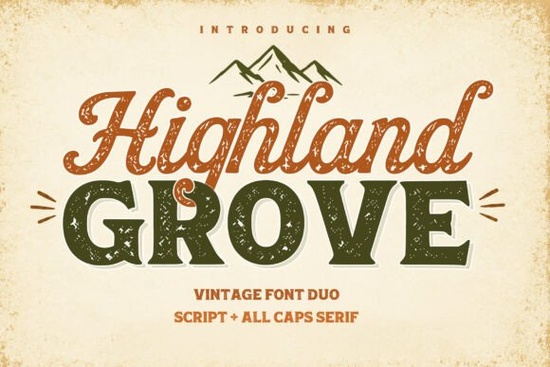
Finding a font that works across different design styles without feeling out of place is harder than it sounds. The Highland Grove Font solves this by combining a flowing script with a bold, all-caps serif in one cohesive duo. It's built for designers who need type that feels both classic and adaptable whether you're working on wedding invitations, branding packages, or product labels.
What Makes Highland Grove Different From Other Font Duos?
Most font pairings you download are either two scripts or two serifs that happen to look decent together. Highland Grove takes a different approach. It pairs a warm, curvy script with a solid, confident serif, so you get contrast without clashing. The script side has an organic, hand-drawn quality that feels approachable. The serif counterpart brings structure and weight the kind of lettering you'd see on vintage shop signs or old product packaging.
That balance means you don't have to spend extra time hunting for a matching font. The duo was designed to work together, which saves effort during the creative process.
What Types of Projects Work Best With This Font?
Because Highland Grove draws inspiration from classic signage and heritage branding, it fits naturally into projects that aim for a retro or timeless aesthetic. Here are some specific uses where it really shines:
- Logo design The combination of script and serif gives you built-in hierarchy for brand marks
- Wedding stationery The flowing script handles names and details beautifully
- Print-on-demand products Mugs, tote bags, and posters with a vintage feel
- Social media graphics Headers, quotes, and promotional posts that need personality
- Packaging and labels Especially for food, beauty, or artisan products
- Greeting cards Both digital and printed formats
If you sell on Etsy or run a small brand, having a font duo like this in your toolkit covers a lot of ground without requiring five or six separate typefaces.
How Does It Compare to Similar Script Fonts?
Highland Grove stands out because of its dual-purpose design, but it's worth knowing how it fits alongside other options. If you prefer something with a more relaxed, casual stroke, a mama-inspired script font might suit lighter, playful projects. For designers who lean toward clean, modern lettering with natural flow, a matcha-themed font style offers that aesthetic.
Those working on bold, Western-inspired designs might find a rugged script like Montana more fitting. And if you're after something with more dramatic, artistic flair, a decorative script option delivers that energy. For rounded, friendly lettering, a soft display font is another solid alternative.
Each of these serves a slightly different mood. Highland Grove works best when you want that vintage elegance paired with dependable structure a combination that's harder to find than you'd think.
Is It Easy to Use for Beginners?
Yes. Since it comes as a standard font file, you can install it on your system and use it in any design software Adobe Illustrator, Photoshop, Canva, Procreate, or even Microsoft Word. The script and serif components are separate files, so you pick the one you need or use both together.
A few practical tips for getting the most out of it:
- Use the script for accent words, names, or short phrases where you want warmth
- Use the serif for headlines, taglines, or supporting text that needs to be legible at smaller sizes
- Pair them side by side script on top, serif below for a natural visual hierarchy
- Try it with muted, earthy color palettes to match its vintage character
Where Can You Get Highland Grove?
You can find the Highland Grove Font on Creative Fabrica. It's part of their growing library of fonts, graphics, and design resources that are licensed for both personal and commercial use. If you already have a subscription, it's included at no extra cost.
Next step: Download Highland Grove, install both the script and serif files, and try setting a simple two-line header your brand name or a quote using both together. You'll immediately see how the pairing works and whether it fits your current project. Keep a folder of font duos you've tested so you can quickly reference them for future designs.
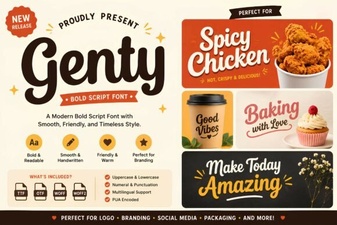 Genty Font Free Download - Elegant Script Typeface
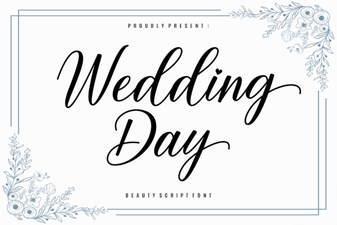 Elegant Wedding Day Font Ideas for Beautiful Invitations
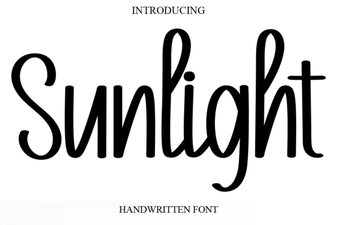 Sunlight Font: a Bright and Creative Typeface for Modern Design
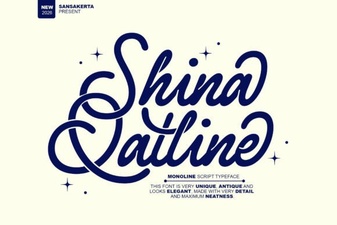 Shina Qatline Font Free Download - Stylish Script Typeface
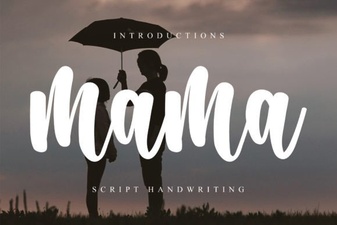 Mama Font: Creative Uses in Modern Design
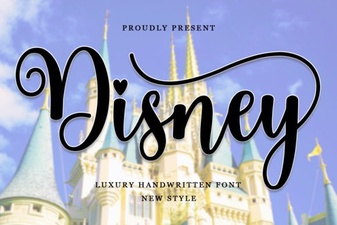 Enchanting Disney Font Styles for Creative Design Projects