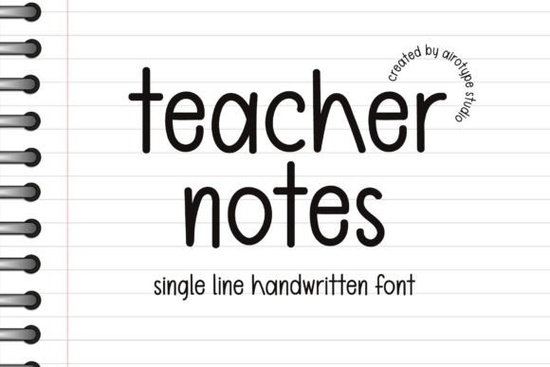
If you've been looking for a font that feels like it was scribbled right on a sticky note by a real person, Teacher Notes might be exactly what you need. It's a simple, single-line handwritten font that brings a casual and playful energy to any design. Whether you're making back-to-school printables, birthday invites, or crafting projects, this font adds that warm, hand-lettered look without trying too hard.
Let's break down what makes this font worth your attention and how you can actually use it in your projects.
What Makes Teacher Notes Font Stand Out?
Plenty of handwritten fonts exist, but not all of them hit the right tone. Some look too polished. Others feel messy. Teacher Notes lands in the sweet spot it's clean enough to read at small sizes but still has that relaxed, human quality. The single-line style keeps things minimal, which works well when you don't want the font to overpower your layout.
It's not overly decorative, and that's a good thing. You can pair it with bold graphics, busy backgrounds, or layered designs and it still holds its own. If you've ever struggled with script fonts that are hard to read on small items like stickers or sublimation tumblers, this one avoids that problem.
What Types of Projects Work Best With This Font?
This font is versatile, but here are some of the most popular ways people use it:
- Back-to-school designs Think bulletin board headers, classroom labels, and printable worksheets.
- Birthday invitations and party decor The casual style fits right in with celebration themes.
- T-shirt designs Especially for teacher appreciation wear or playful quote tees.
- Stickers and planner accessories Clean enough to stay readable even at small sizes.
- Sublimation projects Mugs, tote bags, and coasters all benefit from a friendly handwritten look.
- Greeting cards and tags Perfect for gift tags, thank-you cards, and holiday notes.
If you sell on Etsy or run a small print-on-demand shop, a font like this can save you time. Instead of commissioning hand-lettering every time, you get a consistent handwritten style you can reuse across products.
How Does It Compare to Other Handwritten Fonts?
It depends on the vibe you're going for. If you want something bolder and more expressive, Whimza has a fun, flowing script energy. For a warmer, rounder look, the Sunlight font brings softness that feels inviting and friendly.
On the other hand, if you need something with a little more structure, Montana offers a slightly more grounded script style. And for education-themed projects specifically, the Studying font is another option worth comparing.
For designers who love soft, rounded lettering with a gentle personality, Genty is also a popular pick in this category. Each of these serves a slightly different mood, so it really comes down to matching the font to your project's tone.
Is It Easy to Use for Beginners?
Yes. Since Teacher Notes is a single-line font, it doesn't come with complex ligatures or alternate characters that need extra setup. You install it, type your text, and it looks handwritten right away. This makes it a solid choice if you're newer to design software or just want something that works without fuss.
It works in most standard programs including Canva, Cricut Design Space, Silhouette Studio, Adobe Illustrator, and Photoshop. Just install the font file, restart your program if needed, and select it from your font menu.
Where Can You Get It?
You can find the Teacher Notes font on Creative Fabrica, where it's available for download. Depending on your subscription plan, it may already be included. Creative Fabrica also offers a large library of other playful script typefaces and design resources if you're building out a full toolkit for your creative projects.
Quick Checklist Before You Download
- Check that the font's license covers your intended use (personal, commercial, POD).
- Make sure it's compatible with your design software.
- Test the font at the size you'll actually use especially for small items like stickers or labels.
- Pair it with a simple sans-serif font for body text so your layout stays balanced.
- Save a reference screenshot of your favorite font pairings for future projects.
Tip: Before committing to a font for a large product line, create a few test designs and print them at actual size. What looks great on screen doesn't always read well on a 2-inch sticker. A quick test print can save you from reprints and customer complaints down the line.
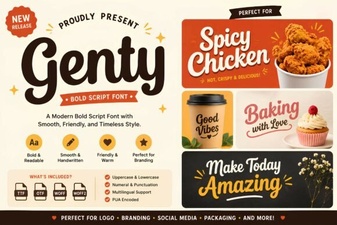 Genty Font Free Download - Elegant Script Typeface
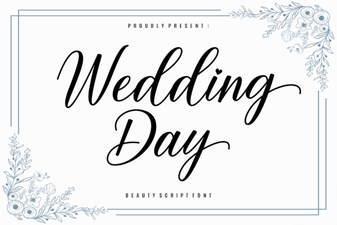 Elegant Wedding Day Font Ideas for Beautiful Invitations
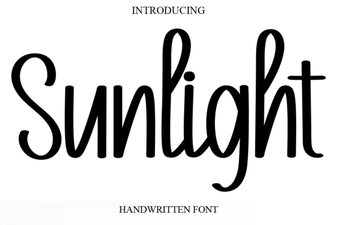 Sunlight Font: a Bright and Creative Typeface for Modern Design
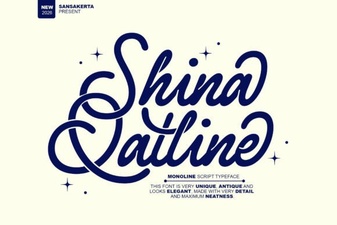 Shina Qatline Font Free Download - Stylish Script Typeface
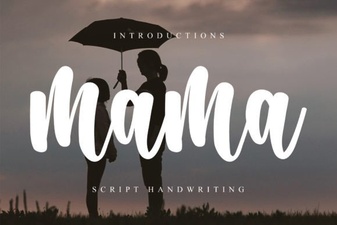 Mama Font: Creative Uses in Modern Design
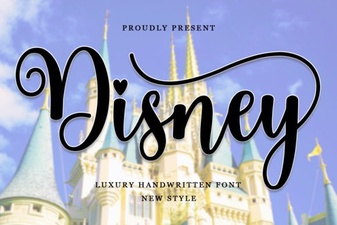 Enchanting Disney Font Styles for Creative Design Projects